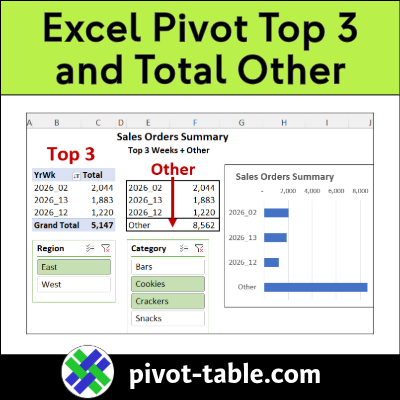
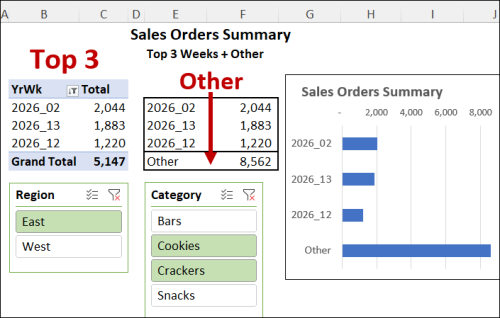
In a short video below, I show how to set up an Excel pivot table with the top 3 items, and a total for all the remaining items, grouped as “Other”.
Continue reading “Excel Pivot Table Filter – Show Top 3 and Total Other”
by contextures.com

In a short video below, I show how to set up an Excel pivot table with the top 3 items, and a total for all the remaining items, grouped as “Other”.
Continue reading “Excel Pivot Table Filter – Show Top 3 and Total Other”
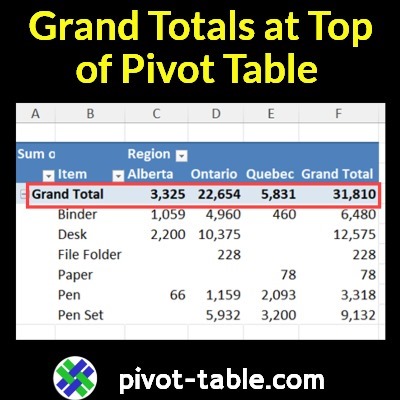
There’s no setting that lets you show the grand totals at the top of an Excel pivot table. But watch my short video below, to see a quick trick, to get around that limitation!
Continue reading “Video: Show Excel Pivot Table Grand Totals at Top”
Pivot tables let you summarize thousands of rows of data, with just a few clicks. If you want to focus on a specific part of that summarized data, here are a couple of pivot table filter tricks.
Continue reading “Quick Pivot Table Filter Trick: Hide or Show Items”
The Excel Pivot Table Field List helps you build and modify your pivot tables quickly. But you don’t have to stick with its default settings! See how to change the Pivot Table Field List settings, so it works best for your needs.
Continue reading “Customize Your Excel Pivot Table Field List”
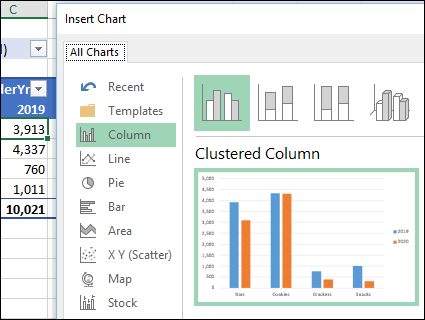
Excel doesn’t have a built-in Cluster Stack chart type, but you can make one, with a quick pivot chart.
See how to make the chart shown below, with stacked columns, grouped into regional “clusters”.
Continue reading “Make a Clustered Stacked Column Pivot Chart in Excel”
Do you love Excel pivot tables? And have you tried Excel’s new PIVOTBY function?
With just one formula cell, PIVOTBY can summarize annual sales by year, region, and category!
But is PIVOTBY better than Excel pivot tables?
Continue reading “Is Excel PIVOTBY Function Better Than Pivot Tables?”
Instead of adding a static title to your Excel pivot chart, use a worksheet formula to create a dynamic chart title. When you change a pivot table filter, the chart title updates automatically, to show what you selected!
Continue reading “Make Pivot Chart Title Change with Filters”
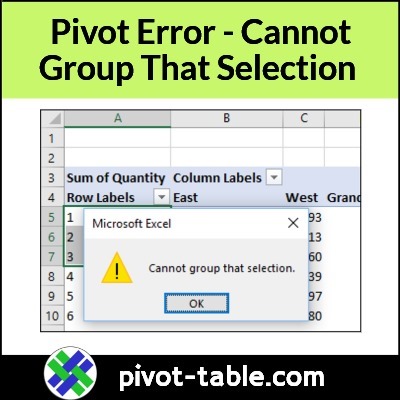
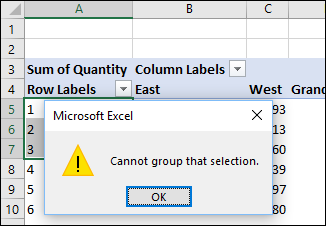
In an Excel pivot table, if you try to group a date or number field, you might see an error message. The message box shows a yellow warning label, and the text says, “Cannot group that selection”.
Continue reading “Fix Pivot Table Problem – Cannot Group That Selection”
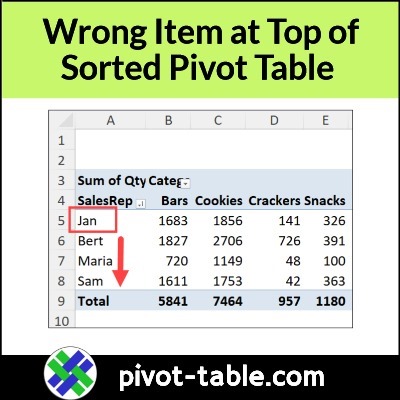
After you sort an Excel pivot table, the wrong item might appear at the top of a column. For example, in the screen shot below, the list of Sales Rep names has Jan at the top. Below that name, all the other names are sorted in the correct alphabetical order.
Continue reading “Wrong Item at Top of Sorted Pivot Table in Excel”
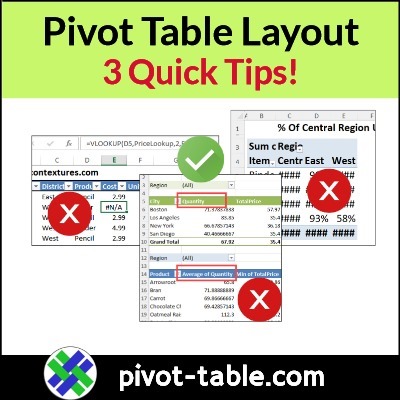
Do you ever make a quick pivot table, then spend the next 30 minutes trying to make it look good? Here are three quick pivot table layout tips, to make your job a bit easier!
Continue reading “Make Your Pivot Table Look Better – 3 Quick Tips”